Choosing a Low Vision Magnifier That Fits Your Needs

Adaptive technology continues to advance, with popular software like ZoomText and devices like CCTVs. Yet, handheld magnifiers haven’t kept pace. Though often pictured as classic Sherlock Holmes glasses, today’s diverse magnifiers suit many lifestyles. With so many options, it’s easy to feel overwhelmed. This guide focuses on what matters and helps you find the magnifier that fits your needs.


Understanding the Basics of Magnification

Magnification is the process of making an object appear larger than it is. Power refers to the amount of magnification and is usually represented by an ‘X.’ For instance, 3X means the object appears three times its original size. Even though this may sound straightforward, selecting the right magnification level is not just about choosing the highest number.

Lens curvature is another important factor. A greater curvature results in a shorter focal length (the distance from the lens’s center to the point where the object comes into focus), yielding a higher-power lens. Inversely, a lens several inches wide generally has less curvature, providing a larger viewing area but relatively low power. The main takeaway: lens size and magnification level are not directly related. Even broad-coverage magnifiers may only offer limited magnification (1X to 3X), so choose your tool based on clarity and your reading needs.

While an option may initially seem convenient, it may no longer meet your needs as your vision changes. Many individuals begin with a page magnifier, believing it will eliminate the need to move the device. However, as vision evolves, such lower-powered options may no longer provide enough clarity. You may also find that features such as color and lighting contrast become increasingly valuable.


Common Types of Magnifiers for Low Vision

Now that you have a better understanding of how magnification works, the next step is exploring the different types of magnifiers available. Numerous low vision aids are designed for specific tasks and preferences, and selecting the right one depends on your intended use. Magnifiers typically range from 2X to 10X, are offered in a variety of formats, and are generally handheld or mounted on a stand.


Reading Glasses

Often, the first solution people try is over-the-counter reading glasses (“cheaters”), which are relatively affordable and easy to find. These lenses are in the lower-power range, with magnifications from 1x to 3x. Cheaters help bring small text into focus by magnifying it, making it appear larger.

The catch is that cheaters magnify everything you see through them, not just the text. They’re fine for close-up tasks, but distant objects can look distorted, and using them too much might cause headaches or eye strain. If you’re reaching for cheaters all the time, it’s a good idea to check in with your eye care professional. Bifocal glasses have the advantage of only changing part of your field of view. If you view something through the base of the lens, the text will appear larger or clearer, but if you look through the top of your glasses, objects appear as they would normally.


Handheld, Electronic, and Stand Magnifiers

For more flexibility, handheld magnifiers are great for quick tasks like reading a menu, price tag, or directions on packaging. They are portable and versatile, and often include built-in lighting. If you require additional support, electronic magnifiers use a camera and a screen to magnify, letting you adjust settings like contrast and background color. We often cover these features in adaptive technology training sessions.

When longer periods of reading are needed, stand magnifiers can provide more comfort and stability. They rest directly on the page, keeping the lens at the optimal distance for clearer viewing. Some models are also designed for reading and writing tasks, such as writing checks, signing documents, or taking notes. Often, stand magnifiers include a swing arm, allowing hands-free use and making them perfect for hobbies or longer tasks where comfort and positioning matter.


Monoculars and Binoculars

For distance viewing, monoculars and binoculars function as small handheld telescopes. Both devices help users see objects at distances of 15–30 feet. They allow users to see items such as street signs, menus, and performers more easily. Because they have a smaller field of view, they often require practice and scanning techniques to use effectively.


Key Factors to Consider When Choosing a Magnifier

With so many options, start by understanding your specific needs. The right magnifier is about how it fits into your daily life, not just the device itself.

To help guide your decision, start by asking yourself:

Your answers, combined with guidance from a low vision specialist, can help you find the right mix of tools for your needs. In many cases, using a variety of devices for different tasks is the most effective approach, and insurance may help cover the cost of an evaluation.


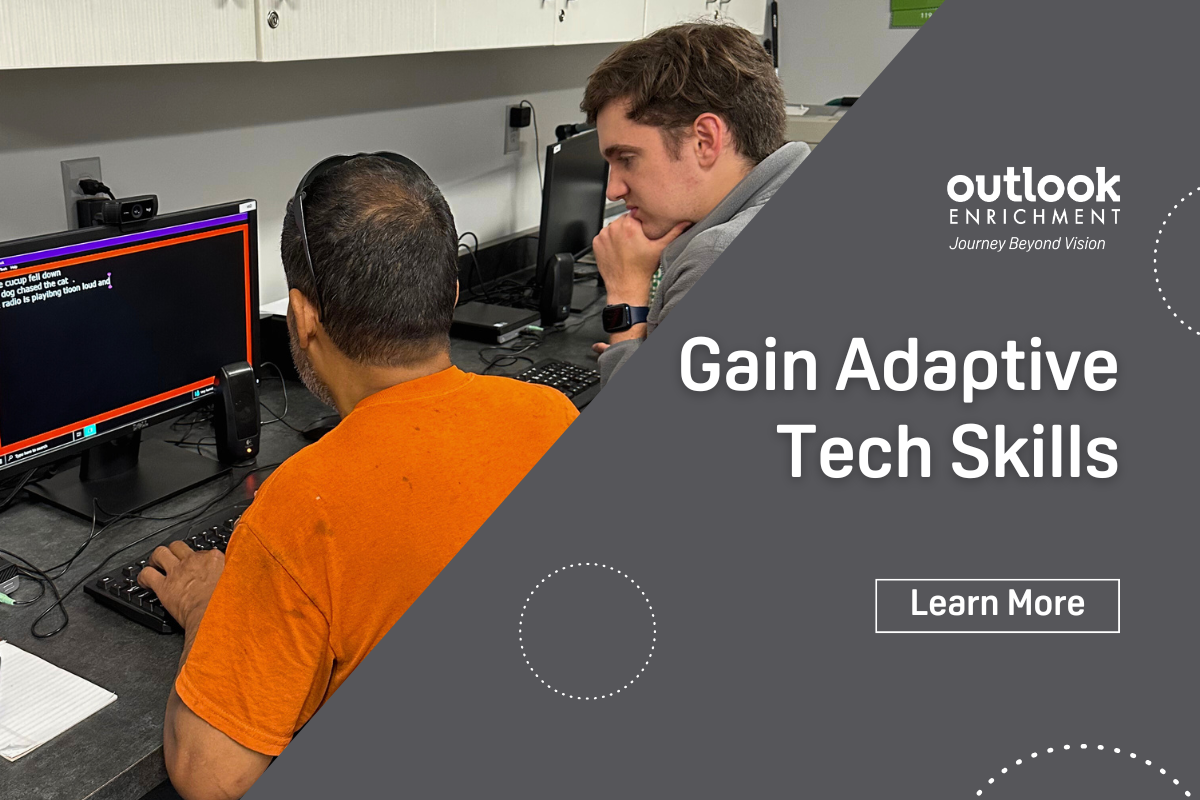
Outlook trainer, Isaac, works with a male client on computer typing skills.


Choosing a magnifier can feel overwhelming, but you don’t have to do it alone. Whether you’re just starting out or seeking better tools, our team can help you find what works and ensure you know how to use it.  Contact us today to connect with a trainer and take the next step toward greater independence.

Understanding the Difference Between Assistive and Adaptive Technology

Individuals with disabilities often depend on various tools to enhance their independence and participation in everyday life. In discussions about accessibility, two terms frequently arise: assistive technology and adaptive technology. While these terms are sometimes used interchangeably, this blog outlines their key differences and explains why that distinction matters as technology becomes more inclusive.


What is Assistive Technology?

According to the Assistive Technology Industry Association (ATIA), assistive technology refers to any item, system, or product used to improve the functional capabilities of individuals with disabilities. These tools are not always explicitly designed for individuals with disabilities; often, they are popular products that can be repurposed or modified for accessibility.

Common examples of assistive technology include:

These technologies not only offer everyday convenience but also play a vital role in supporting independence.


What is Adaptive Technology?

Adaptive technology is considered a subcategory of assistive technology. The key distinction lies in intent and design: adaptive technology refers to devices or equipment created specifically for individuals with disabilities. These are tools that someone without a disability would not typically use.

Common examples of adaptive technology include:

Adaptive technologies are often key to enhancing quality of life, as they provide the tools individuals with disabilities need to engage in learning, working, and living independently.


Outlook trainer, Isaac, works with a male client on computer typing skills.


As mainstream technologies increasingly incorporate built-in accessibility features, the line between assistive and adaptive technologies is blurring. Voice control and magnification tools, once considered specialized, are now common features on smartphones, tablets, and computers. This shift represents progress toward a more inclusive future.

If you or someone you know is seeking recommendations for accessibility or adaptive technologies, Outlook Enrichment is here to help. Call us at 531-365-5051 to learn more about our programs or to get personalized recommendations.

A Guide to Accessible Transportation Services in the Omaha Metro Area

One of the most common challenges we hear from associates and clients who are blind or visually impaired is transportation. Reliable, accessible transportation is crucial for maintaining independence, whether it’s getting to work, attending medical appointments, or staying connected to the community.

Fortunately, there are several transportation options available throughout Omaha and the surrounding areas that cater specifically to individuals with disabilities and senior citizens. In this blog, we highlight three categories of services: local special transit services, Metro Transit Omaha, and ride-share and app-based services.


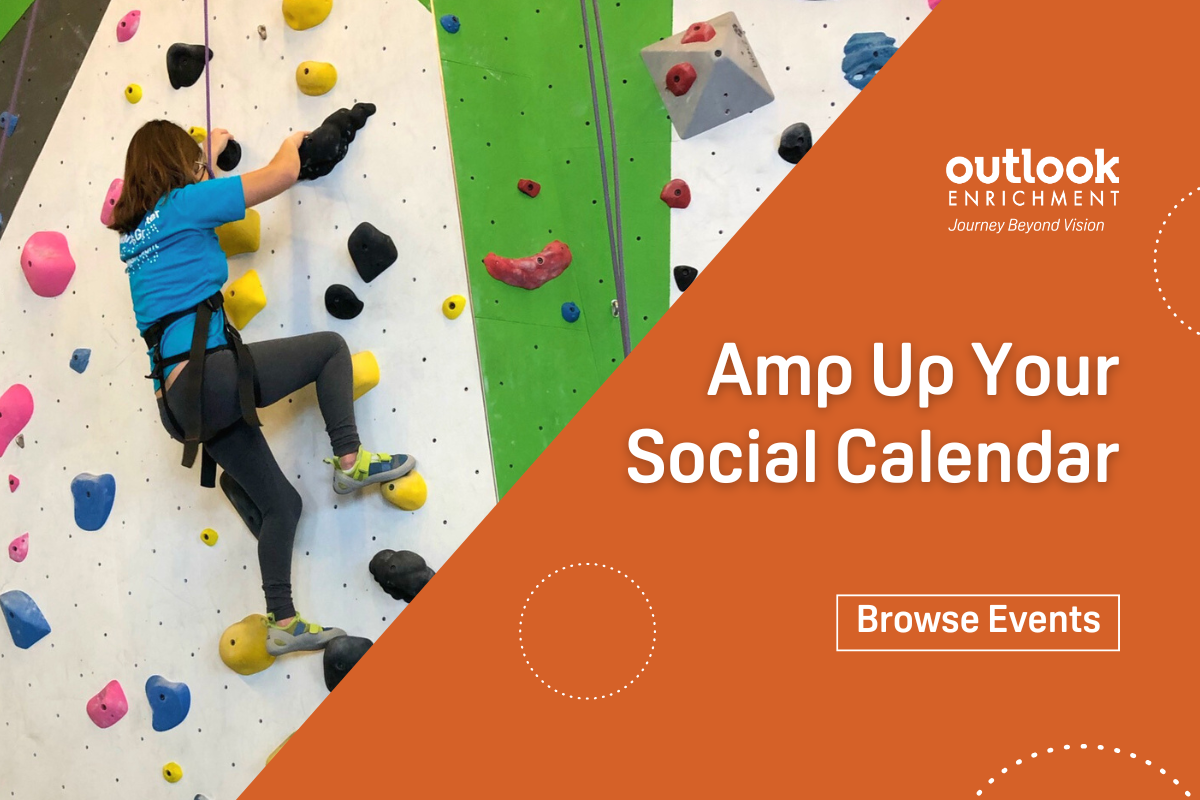
"Amp Up Your Social Calendar - Browse Events." A young girl is rock climbing in the graphic.


Special Transit Services Outside of Omaha

Several cities near Omaha provide accessible transportation options primarily for seniors and individuals with disabilities. These services typically require riders to submit applications and make reservations in advance. Cost, travel locations, and operating hours may vary by provider.


La Vista – Ralston Special Services Bus

The La Vista – Ralston Special Services Bus prioritizes work and medical-related trips for senior citizens and individuals with disabilities residing in these areas.

To learn more about the La Vista – Ralston Special Services Bus, click here or call 402-657-3550.


Papillion Special Transportation Services

Papillion Special Transportation Services is an on-demand service subsidized by the State of Nebraska for elderly and disabled residents of Papillion, including those in surrounding SIDs.

To learn more about Papillion’s Special Transportation Services, click here or call 402-680-3970.


Bellevue’s Specialized Transportation Service

Bellevue’s Specialized Transportation Service offers scheduled transportation to destinations in Bellevue and Omaha for senior and disabled residents.

To learn more, call 402-293-3138 to receive an informational brochure and application.


Ponca

Ponca Express offers transportation services for both Native and non-Native individuals. It operates across several Nebraska cities and is available for a wide range of purposes, including medical appointments, education, and recreation.

To learn more about Ponca Express, click here or call 1-877-769-3111 for Ponca Express Rural or 855-766-2239 for Ponca Express Metro.


Council Bluffs Special Transit Service

Council Bluffs Special Transit Service offers accessible transportation for individuals with disabilities who are unable to use standard city buses.

To learn more about Council Bluffs Special Transit Service, click here or call 712-890-5296.


Getting Around Omaha with Metro Transit Services

Metro Transit offers a range of public transportation services throughout Omaha, including traditional bus routes and newer on-demand programs such as Metro Flex, as well as an ADA-compliant paratransit service called MOBY.


Metro Bus System

The Metro bus system includes over 2,100 stops across the Omaha area.

Download from the App Store or Download from the Google Play Store

To learn more about the Metro Bus System, click here.


Metro Flex

Launched in 2025, Metro Flex is a pilot on-demand service that connects riders to nearby bus routes and transit centers.

To learn more about Metro Flex, click here.


ORBT

ORBT is Metro’s streamlined bus service offering faster rides.

To learn more about ORBT, click here.


MOBY

MOBY is Metro’s ADA complementary paratransit service for individuals who can’t access Metro’s fixed route bus network due to a disability or disabling health condition.

To learn more about MOBY, click here or call 402-341-7560, ext. 2520 for assistance.


Ride-Share and App-Based Transportation Options

If public transportation isn’t the right fit for you, ride-share apps and taxi-style services provide additional flexibility.


Uber

Uber is one of the most popular ride-share apps, allowing you to schedule a ride instantly or in advance.

To learn more or download the app, click here.


Lyft

Lyft offers features similar to Uber, with real-time and scheduled rides available through its app.

To learn more or download the app, click here.


zTrip

zTrip is a taxi-style ride service available in Omaha.

To learn more about zTrip or download the app, click here.


Share a Fare

Share A Fare is a transportation reimbursement program for individuals who are legally blind or whose vision prevents them from driving.

To learn more about Share a Fare, click here.


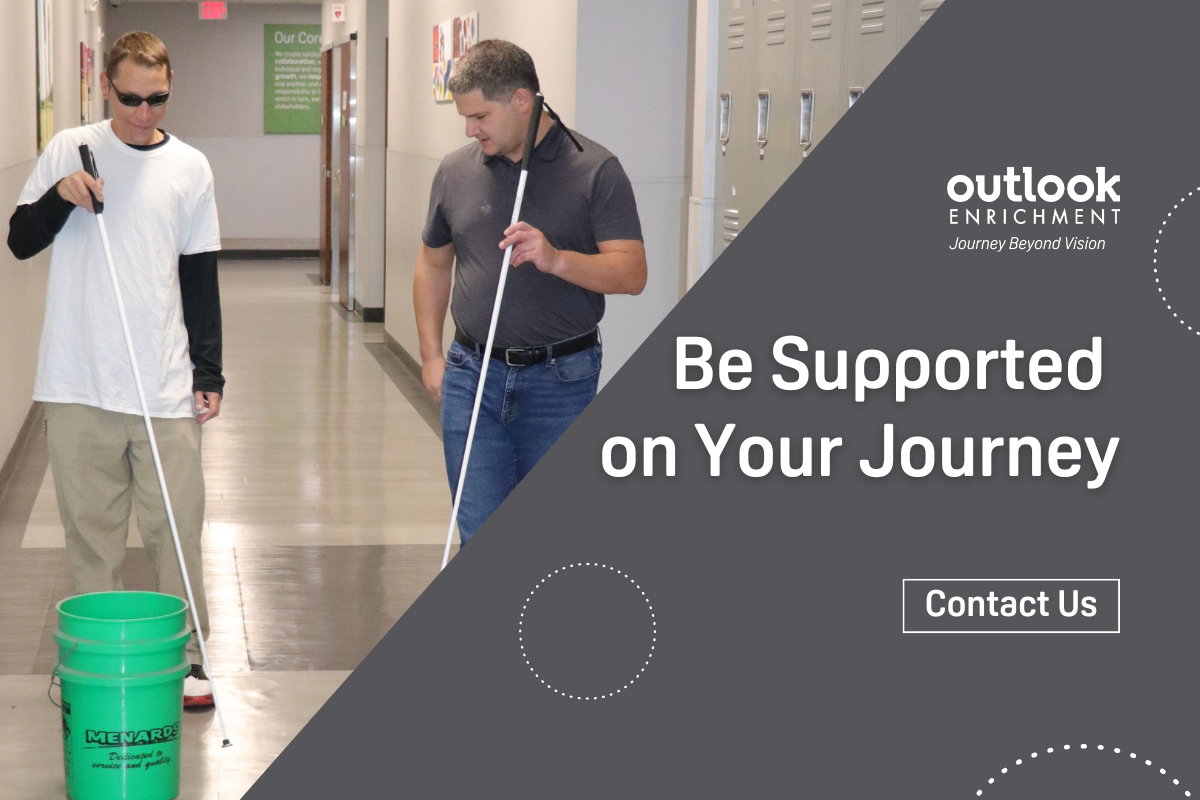
A male client practicing cane travel with a male trainer. "Be Supported on Your Journey - Contact Us."


Accessible transportation is essential for staying active, independent, and connected to your community. Whether you’re in Omaha or a neighboring city, there are a variety of options designed to support your mobility needs and busy schedule.

If you or someone you know is blind or visually impaired and needs help navigating transportation options, Outlook Enrichment is here to help. Our Resource Advisor can guide you through the available programs, assist with applications, and help you find the best tools to support your lifestyle. Complete our contact form to get started.

What’s New in Adaptive Technology

In this episode, we’re joined by Adaptive Technology Trainer, Isaac Grelk, and Technology Specialist, Mickie Saltzman. They share their personal stories with vision loss and reflect on their experiences supporting the blind and visually impaired community.

Together, they explore recent advancements in accessibility and adaptive technology, highlighting tools that are empowering individuals to live more independently.

Rondae’s Story of Resilience & Rebuilding After Vision Loss

Vision loss is different for everyone. Some are born blind, while others lose their sight later in life. Some have partial vision that remains stable, while others experience gradual or total loss. Each journey is personal and shaped by many factors, such as lifestyle, support systems, and timing.

For Rondae Hill, vision loss has been an ongoing journey marked by strength, setbacks, and self-discovery. What makes her story powerful isn’t just the challenges she’s faced; it’s how she continues to rise, rebuild, and inspire others along the way. This is her story.


Every Vision Loss Journey Is Unique

Vision loss comes in many shapes and sizes. Some people are born blind, while others lose their sight later in life. Some eye conditions leave people with some usable vision, and some continue to progress, leading to total blindness. All of these factors impact one’s vision loss journey and their path to reaching their goals.

At Outlook Enrichment, our philosophy is a little different than other organizations. It’s important to meet people where they are, and if circumstances change, our doors are always open to tackle the next challenge.

It is through these doors that Rondae recently entered, seeking the support and skills to move forward in her vision loss journey. Rondae is not new to vision loss. She was diagnosed with Retinitis Pigmentosa about 20 years ago. Then, a macular hole took her eyesight from her right eye two years later. Retinitis Pigmentosa (RP) often leads to gradual deterioration of the retina, usually leading to total blindness. The news was hard to digest, and Rondae admits that mentally, she was not where she needed to be to move forward. At the time, she was a single parent, running a daycare and doing independent contracting on the side. When she reached out for help, she couldn’t find an option that would allow her to get the training she needed while simultaneously fulfilling her responsibilities at home.


Finding Strength & Support Amidst Setbacks

As her eyesight started slipping, so did her mental health, job, and housing. She no longer felt safe doing daycare, as she perceived herself to be a liability. With kids to support, she found herself going from self-employed to unemployed and from having a home to living in someone else’s basement.

She was reminded of her uphill battle every time her eyesight declined, but these worries had to be pushed to the side. She was, first and foremost, a mother now trying to make it on a fixed income. She would eventually become a grandma in the same situation when she adopted her three grandkids and committed to being their sole caretaker and provider.

As they say, before you help others, you must first help yourself. She began to take advantage of all the resources Outlook has to offer, from recreational activities to adaptive technology training and peer support groups.

“I absolutely enjoy the support group meetings. I wish it had been available 20 years ago. It may have been the thing to help me after my diagnosis. Meeting and sharing with people like you is so important. Sometimes, blindness or disabilities in general can be isolating,” said Rondae.


Embracing a New Chapter With Confidence

It was technology training at Outlook that truly motivated Rondae. She is focusing on learning to use JAWS, a screen reader that allows users to navigate their computer screen with little or no eyesight. Rondae admits JAWS has been a challenge, but is putting her new tech skills to the test by writing a book about her life.

“I’m trying for the third time to learn technology. The first two times, I was both a parent and mentally not ready to learn. With RP, you are kind of in a constant state of grieving every time your vision changes, and sometimes that can be overwhelming and stop the learning process,” said Rondae.

Before being diagnosed with vision loss, Rondae did not know anyone else who was blind or had low vision. Recently, she’s found herself surrounded by the blind community. She attended Outlook Enrichment’s White Cane Day Happy Hour last October and was delighted to engage in positive activities with people who share similar experiences.

In the winter, Rondae brought her grandkids to our family ice skating event with the Lancers. Being a single grandma on a fixed income with vision and hearing loss and no transportation can be limiting. Usually, she improvises by walking with her grandkids to places nearby. Not only did her grandkids get to ice skate, meet the Lancers players, and get tickets to a Lancers game, but Rondae loved being able to expose them to other blind people who are living life to the fullest.

With the future of her eyesight unknown, Rondae is constantly questioning what will happen if she becomes totally blind. How will she care for her grandkids? How will she support herself and her family? She is finding the answers to those questions thanks to peer support and acquiring the skills and tools she needs to continue her vision loss journey. She’s envisioning herself going big, traveling, and inspiring others through mentoring and public speaking.

Go Rondae! We’ll be here cheering you on.


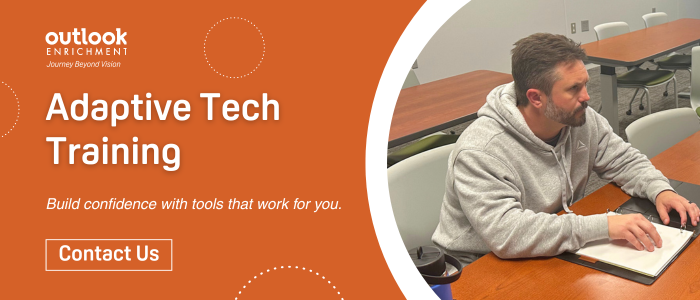
A male client practicing reading braille at Outlook. Text: "Adaptive Tech Training. Build confidence with tools that work for you."


Vision loss doesn’t mean the end of your story; it’s the start of a new chapter. At Outlook Enrichment, we’re here to support community members like Rondae every step of the way, providing tools, training, and connections to help you move forward with confidence.

No matter where you are in your journey, you don’t have to walk it alone. Connect with Outlook Enrichment today.

Why Braille Deserves a Spot in Your Adaptive Technology Toolbox

When most people think of adaptive technology for those who are blind or visually impaired, screen readers, magnifiers, and phone applications often come to mind. And while these tools play an essential role in increasing access and independence, there is one skill that still holds powerful value today: braille.

With so many tools available today, braille might seem like a thing of the past, but that couldn’t be further from the truth. Braille continues to offer meaningful, everyday benefits from strengthening literacy to making daily tasks more manageable and efficient. Here’s why braille still deserves a place in your adaptive technology toolbox.


A male associate uses adaptive tech tools to edit a podcast. Text: "Adaptive Tech Training. Build confidence with tools that work for you."


A Brief History of Braille

Braille has continued to empower individuals with vision loss for over two centuries, enabling them to navigate the world independently. The tactile system was invented in 1824 by Louis Braille, a French educator who lost his vision at a young age. His system of raised dots, which represent letters and numbers, allows individuals who are blind or visually impaired to read and write through touch.

Although technology continues to evolve, braille remains a vital tool for both literacy and independence. It offers a tactile alternative to visual or audio-based information and proves especially useful when other resources are unavailable or impractical.


Why Braille Still Has a Place in a Tech-Filled World

While screen readers and smart devices are beneficial and frequently used, they have limitations. Closed-circuit televisions (CCTVs) are stationary, smartphones require charging, and magnifiers don’t always work well in every environment. Braille offers a low-maintenance, no-power-required option that’s available anytime, anywhere.

Of course, braille isn’t for everyone. Health conditions like arthritis, neuropathy, or reduced finger sensitivity can make it more challenging to use. However, even in these cases, learning “survival braille”, a few key characters used for labeling or spot-reading, can still be valuable.


Building Stronger Literacy Through Touch

For individuals who are completely blind, braille plays a crucial role in developing literacy skills, such as grammar and sentence structure, which are difficult to grasp through audio or visual formats alone.

Additionally, braille supports digital literacy. Tools like braille keyboards and notetakers make tasks like taking notes, writing emails, or drafting documents more accessible and efficient. Keep in mind, braille doesn’t have to be your only method of reading. Screen readers, audiobooks, and radio reading services, such as Radio Talking Book, are also great options. The key is to find a combination of resources that work for your lifestyle and comfort level.


Everyday Uses for Braille

When considering braille, one might view it solely as a means for literacy, which is not entirely accurate. Braille can be used in specific situations, including finding the right button in an elevator or identifying office or apartment numbers. Braille signage is required by law in many public spaces under the Americans with Disabilities Act (ADA), making the world more navigable for individuals with vision loss.

Its benefits multiply when combined with braille dots or labels that can be attached to just about anything. In the kitchen, braille dots can help you organize and quickly find items in your fridge, cabinets, or pantry. In your closet, you can sort and identify clothing, as well as distinguish colors. Braille can help you find the correct prescription bottle in your bathroom, distinguish between shampoo and conditioner, and organize your hygiene and cleaning products. All of this is possible without looking for a magnifier or a phone application. In these scenarios, however, braille can often be the quickest and most efficient way for blind individuals to read.


Start Your Learning Journey With Outlook Enrichment

Learning braille may feel overwhelming at first, but you don’t have to do it alone. At Outlook Enrichment, braille instruction is part of our Adaptive Technology program, designed to help you achieve your personal goals, whether you’re new to braille or looking to brush up on your skills.

Sessions are held weekly for one hour and focus on foundational braille concepts and rules, helping you build confidence step by step. Our team will work with you on practical applications, such as labeling household items, identifying key signage, or utilizing braille technology. Whether you’re aiming to learn “survival braille” for everyday use or are interested in becoming more fluent, we’re here to support your journey toward greater independence.


Photo of a youth man with a male Lancers hockey player smiling. Text: "Amp Up Your Social Calendar - Join us each month for exciting community events - Browse Events."


Braille remains a powerful and practical system for anyone navigating vision loss. Whether you’re using it to label everyday items, build literacy skills, or complement other adaptive technologies, braille offers greater independence and confidence in daily life.

If you’re ready to add braille to your adaptive technology toolbox, we’re here to support you. Complete our contact form to get started. We’d love to help you take the first step.