Individuals with disabilities often depend on various tools to enhance their independence and participation in everyday life. In discussions about accessibility, two terms frequently arise: assistive technology and adaptive technology. While these terms are sometimes used interchangeably, this blog outlines their key differences and explains why that distinction matters as technology becomes more inclusive.
What is Assistive Technology?
According to the Assistive Technology Industry Association (ATIA), assistive technology refers to any item, system, or product used to improve the functional capabilities of individuals with disabilities. These tools are not always explicitly designed for individuals with disabilities; often, they are popular products that can be repurposed or modified for accessibility.
Common examples of assistive technology include:
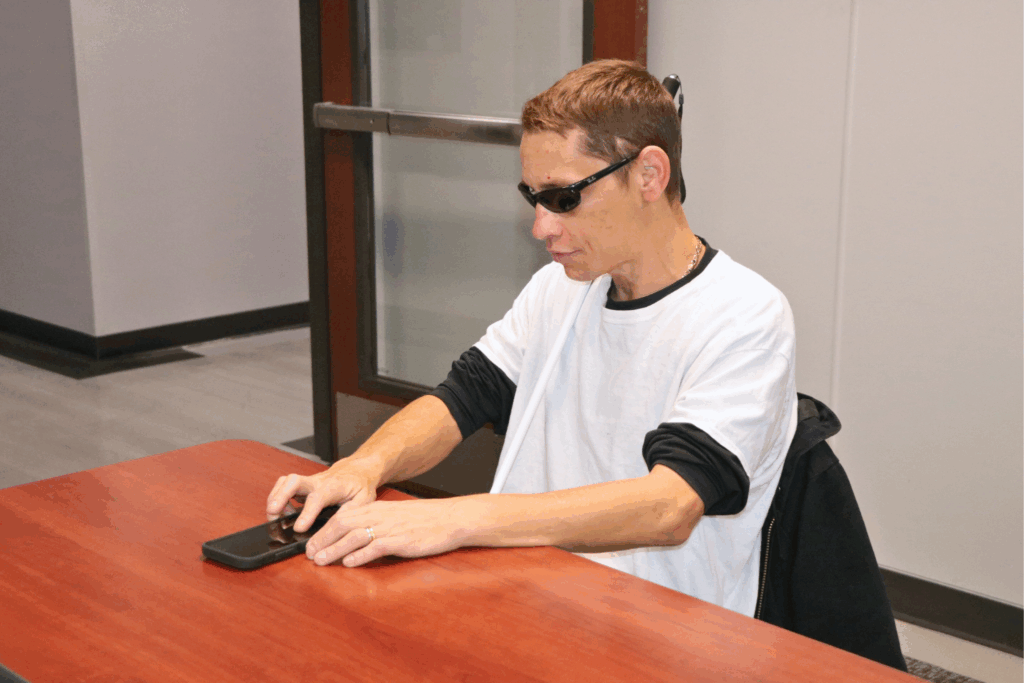
- Voice assistants, such as smart home devices like Amazon Alexa or Google Home, can support individuals with vision loss or limited mobility by enabling voice control of everyday tasks.
- Keyboard shortcuts, created for data processing efficiency, are now widely used by individuals who cannot use a mouse.
- Pastel notepads or yellow legal pads, which reduce glare and enhance focus, are not explicitly created for individuals with vision loss but can be purchased with use modification in mind.
- Non-slip mats or electric appliances, which make everyday tasks safer and more manageable.
These technologies not only offer everyday convenience but also play a vital role in supporting independence.
What is Adaptive Technology?
Adaptive technology is considered a subcategory of assistive technology. The key distinction lies in intent and design: adaptive technology refers to devices or equipment created specifically for individuals with disabilities. These are tools that someone without a disability would not typically use.
Common examples of adaptive technology include:
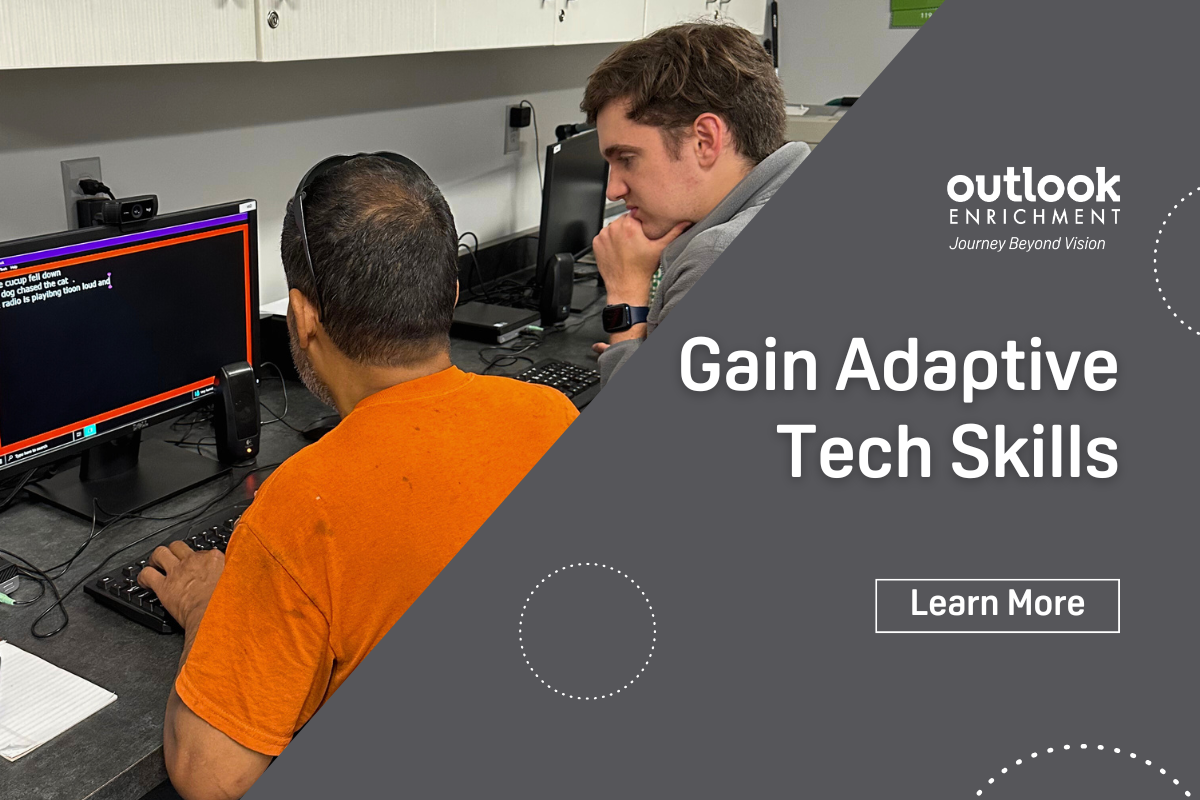
- For individuals with vision loss: screen readers, braille printers, and screen magnification software.
- For individuals with hearing loss: cochlear implants and teletype (TTY) devices.
- For individuals with speech or communication difficulties: augmentative and alternative communication (AAC) systems.
Adaptive technologies are often key to enhancing quality of life, as they provide the tools individuals with disabilities need to engage in learning, working, and living independently.
As mainstream technologies increasingly incorporate built-in accessibility features, the line between assistive and adaptive technologies is blurring. Voice control and magnification tools, once considered specialized, are now common features on smartphones, tablets, and computers. This shift represents progress toward a more inclusive future.
If you or someone you know is seeking recommendations for accessibility or adaptive technologies, Outlook Enrichment is here to help. Call us at 531-365-5051 to learn more about our programs or to get personalized recommendations.