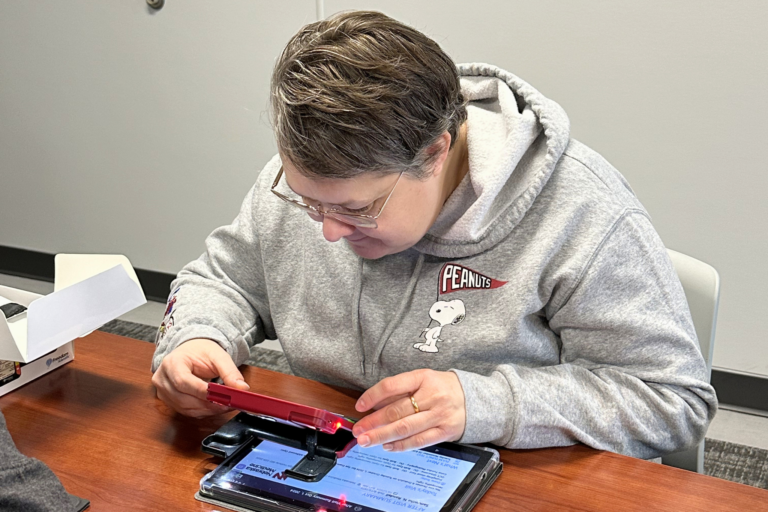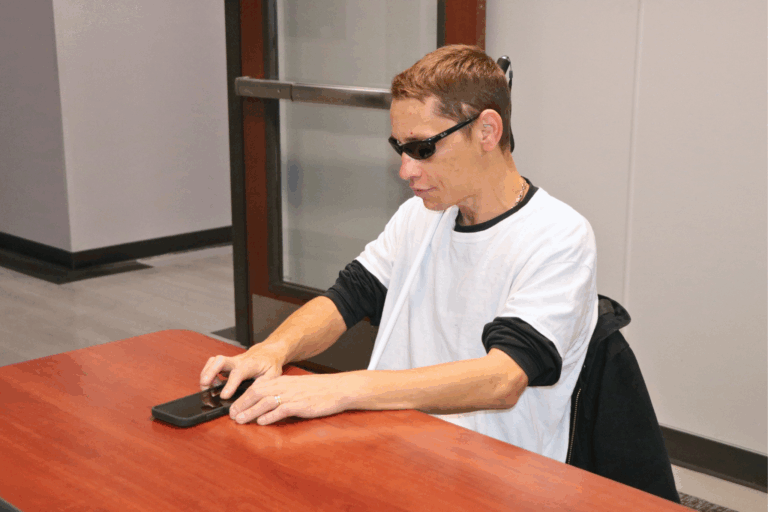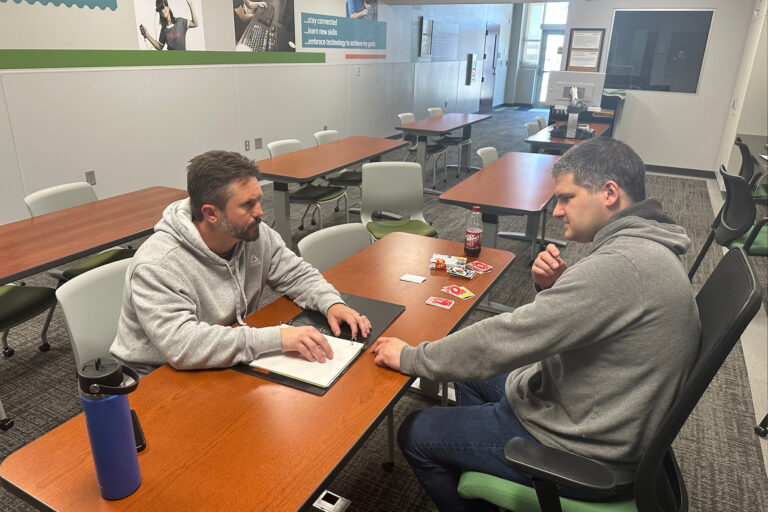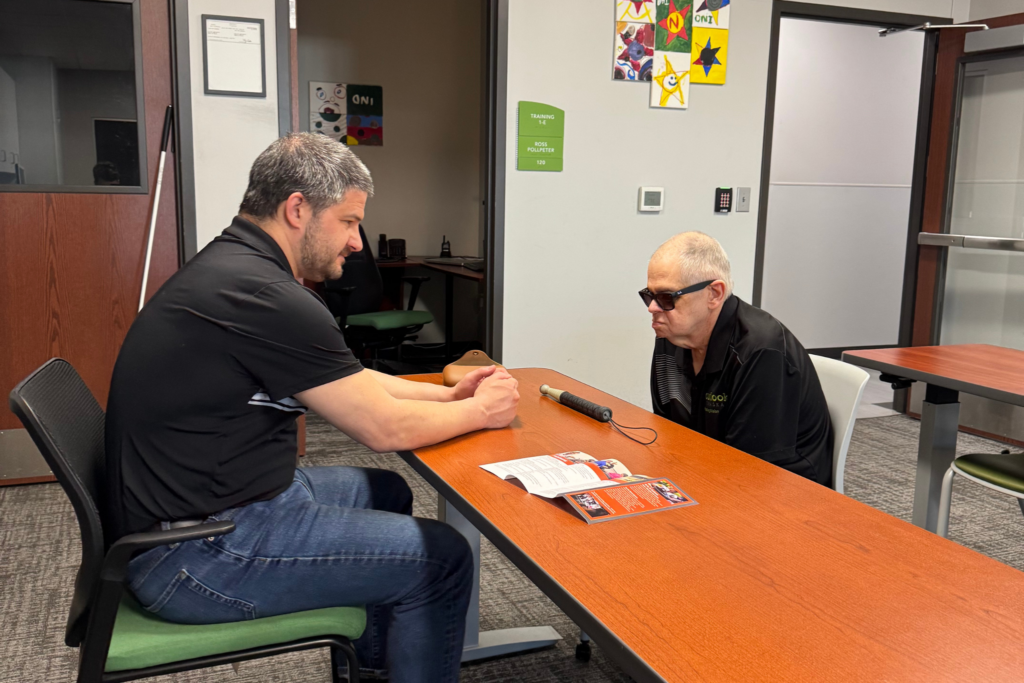
Rondae, an Outlook Enrichment client, asks, “Hey Meta, what’s in front of me?” After a brief pause, a voice begins describing her surroundings. It identifies Isaac, one of our Adaptive Technology Trainers, seated across from her in a green sweatshirt. It mentions the logo across the front, the cabinets mounted on the wall behind him, and the tables and chairs throughout our Adaptive Technology Lab.
Just a few weeks ago, accomplishing the same task would have meant pulling out her phone, opening an app, and waiting for it to scan the room. Now, it’s as simple as asking a question and receiving an answer in seconds, and completely hands-free.
With personalized training, Meta AI glasses become another tool that helps people who are blind or have low vision navigate everyday life with greater confidence and independence.
What Can Meta AI Glasses Do for Blind and Low Vision Users?
Meta AI glasses combine a camera, speakers, microphones, and built-in artificial intelligence to provide hands-free access to visual information. For people who are blind or have low vision, they can make everyday tasks more accessible by delivering information through simple voice commands.
Some of the features our clients find most helpful include:
- Describing the world around them. Users can ask Meta AI to describe a room, identify objects, read menus, signs, or product labels, and answer questions about what the camera sees. With Live AI, conversations feel more natural by allowing follow-up questions without having to repeat “Hey Meta.” The glasses are also compatible with iOS VoiceOver and Android TalkBack, and Meta’s Detailed Responses accessibility feature provides richer descriptions of a user’s surroundings.
- Integrating with Be My Eyes. By saying, “Hey Meta, Be My Eyes,” users can connect hands-free with a sighted Be My Eyes volunteer for assistance with everyday tasks, such as identifying clothing colors or reading appliance displays.
- Staying connected. The glasses allow users to make phone calls, send and receive text messages, and listen to or reply to messages on apps like WhatsApp, Messenger, and Instagram, all through voice commands.
- Supporting everyday routines. Meta glasses can also take photos and videos from the wearer’s point of view, play music or podcasts through the built-in speakers, and help users stay on top of daily tasks. Whether it’s asking about an upcoming appointment, setting a medication reminder, scheduling a ride, or capturing a moment with family and friends, the glasses can make everyday activities a little more seamless.
How Our Trainers Are Putting New Technology to the Test
Trying a new piece of assistive technology can feel like a big step. That’s why our Adaptive Technology Trainers focus on helping clients discover how Meta glasses can support the tasks and goals that matter most to them.
Our Adaptive Technology Lab has multiple pairs of glasses available for clients to try before deciding whether to purchase. During training, clients can ask questions, explore the technology, and practice everyday tasks like reading labels, identifying objects, or describing a room. As confidence grows, training expands to real-world situations such as grocery shopping, dining out, or navigating unfamiliar spaces.
Ross, our Program Facilitator, uses the glasses himself and has experienced firsthand how they fit into everyday life.
“For me, the Meta glasses have much of the same functionality as some of the adaptive tech apps I use on my smartphone, but with the advantage of being hands-free. I’ve used the Meta glasses at museums or at the zoo to have exhibits described to me. I’ve used them to go through my mail or review a stack of paperwork. In the kitchen, I can use them for cooking by having them read the cooking instructions from a food package or help identify a certain ingredient in my cabinets.”
Isaac, one of our Adaptive Technology Trainers, points out that the accessibility benefits go far beyond vision loss.
“Meta glasses are especially helpful for clients with more than one disability. For example, someone who’s also hard of hearing can use Conversation Mode to focus on and amplify the voice of the person they’re talking to, even in a noisy room.”
Isaac has also used the live translation feature during training sessions to support clients whose first language isn’t English, making our services even more inclusive.
Like any new skill, practice makes perfect. Over time, what once felt unfamiliar becomes routine, allowing clients to focus less on the technology and more on completing everyday tasks with greater confidence and independence.
What Our Clients Are Saying About Meta AI Glasses
Feedback from clients has centered less on any single feature and more on the cumulative effect of small, everyday tasks becoming easier to do independently.
Warren, one of our clients, has woven the Meta glasses into his daily routine in ways that go well beyond a single feature. He uses the Be My Eyes integration regularly and relies on the glasses for navigation, no separate maps app needed. Dining out, he reads menus independently and confidently refills his own drink. At home, the glasses help him find the right spice in his cabinet, make hands-free phone calls, and kick back with Spotify, all with a simple voice command.
Rondae first became interested in the glasses after getting frustrated with scanning her mail, tired of the hassle of repositioning her phone for every envelope. As a grandparent, she loves being able to instantly tell what her grandkids are wearing before they dash out the door, keeping her connected to daily moments that matter.
But she’s just as quick to point out the technology’s limits as its benefits: “You can’t rely on a computer program 100% of the time. It should never replace your cane or guide dog.” She describes tools like Meta glasses as “another tool in your toolbox,” a helpful secondary resource, not a substitute for the core orientation and mobility skills our trainers teach first.
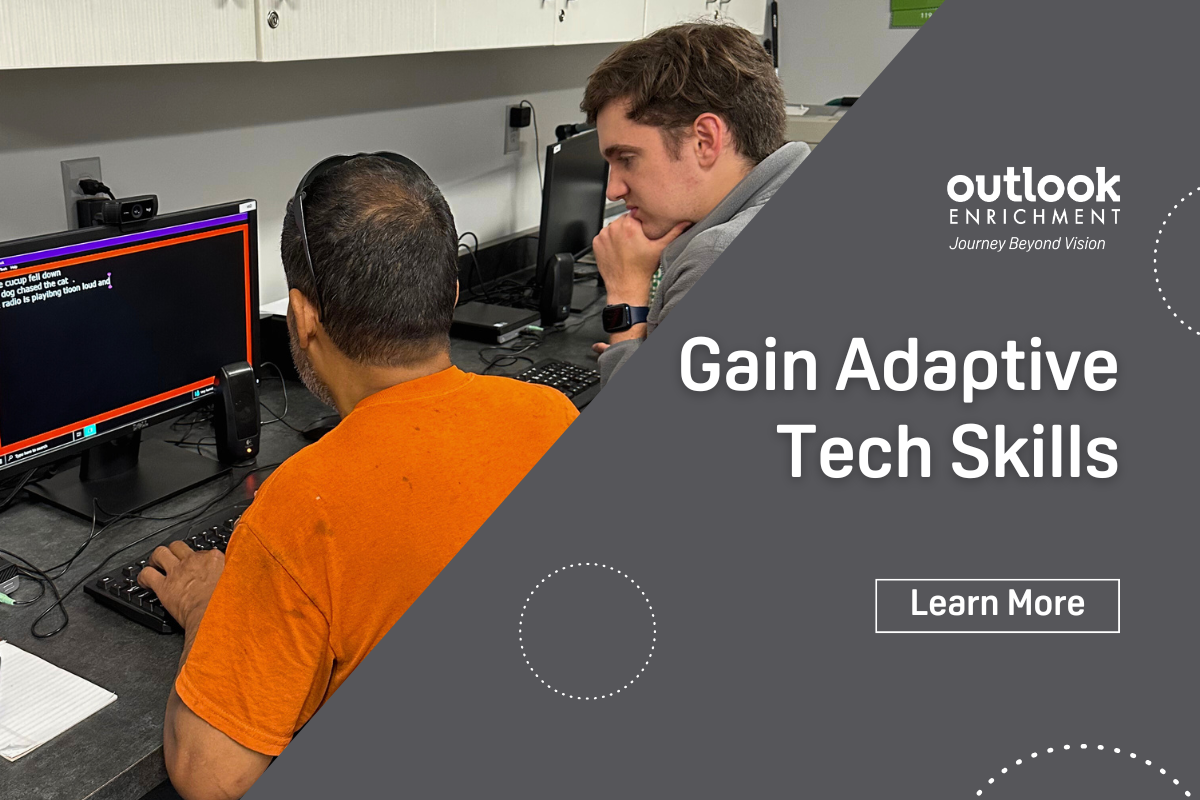
The best way to discover whether Meta AI glasses are right for you is to try them. Our Adaptive Technology Lab has multiple pairs available, and our trainers are here to help you explore how they can support your goals.
To schedule a training session or learn more, call 531-365-5051 or visit our Contact page.